
How to Create a PAW Account
A quick step-by-step guide. Creating an account lets you share purchases across devices and play cross-platform.
1.Open the app on your device.

2.From the Main Menu, tap the Parents' Area button.

3.Enter your year of birth to pass the Age Gate.

4.Tap on the Account tab at the top of the screen.

5.Choose one of the account options to begin.
You have 2 ways to create an account:
- Tap one of the single sign-on buttons to create a PAW account using your iOS or Android credentials
- Tap the Create Account button to create a PAW account using your email address

6.When creating a PAW account with your email, enter your info into the fields and tap Submit.
Your password must:
- Contain between 6 and 30 characters
- Contain at least 1 special character
- Contain at least 1 number
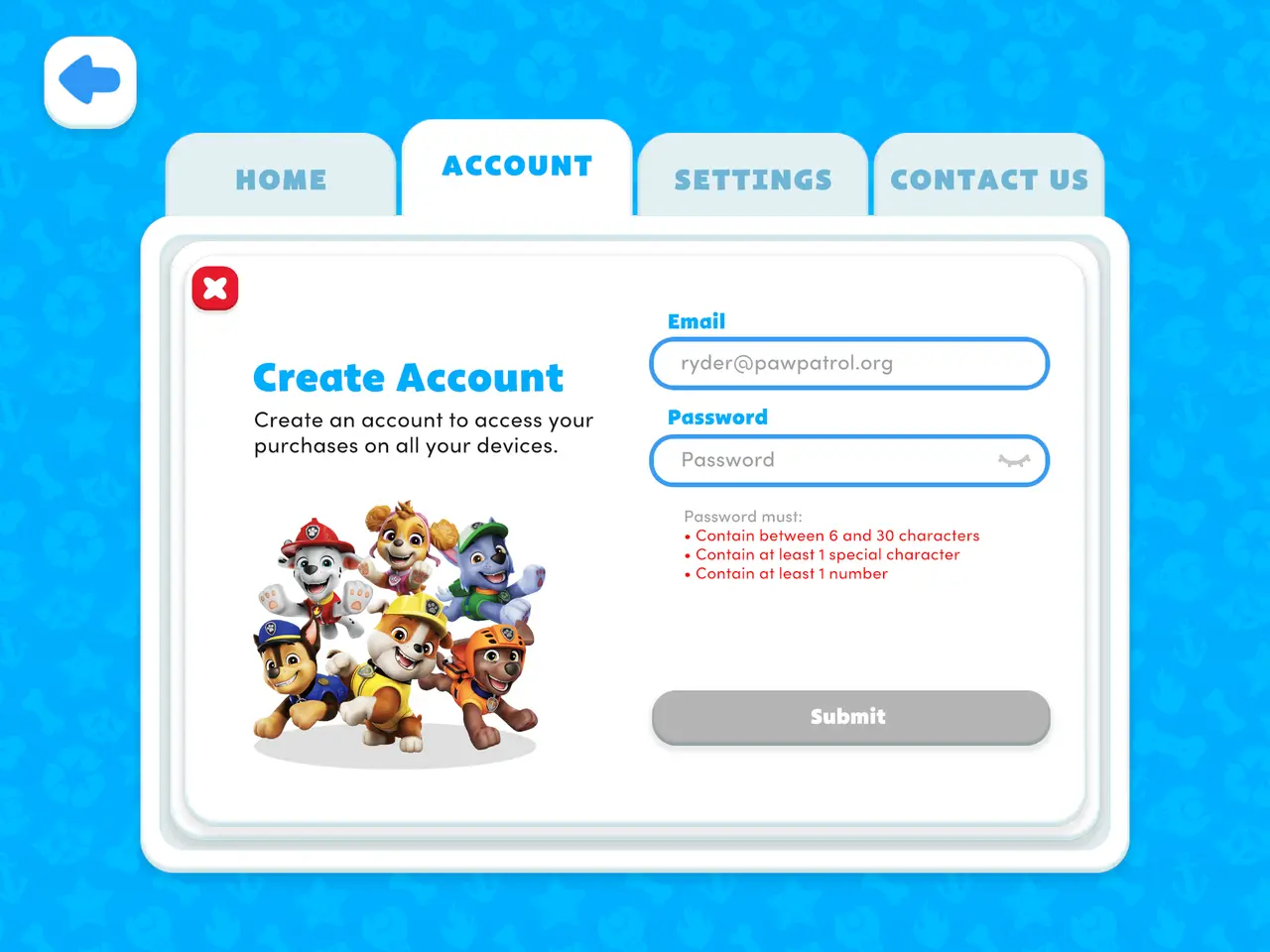
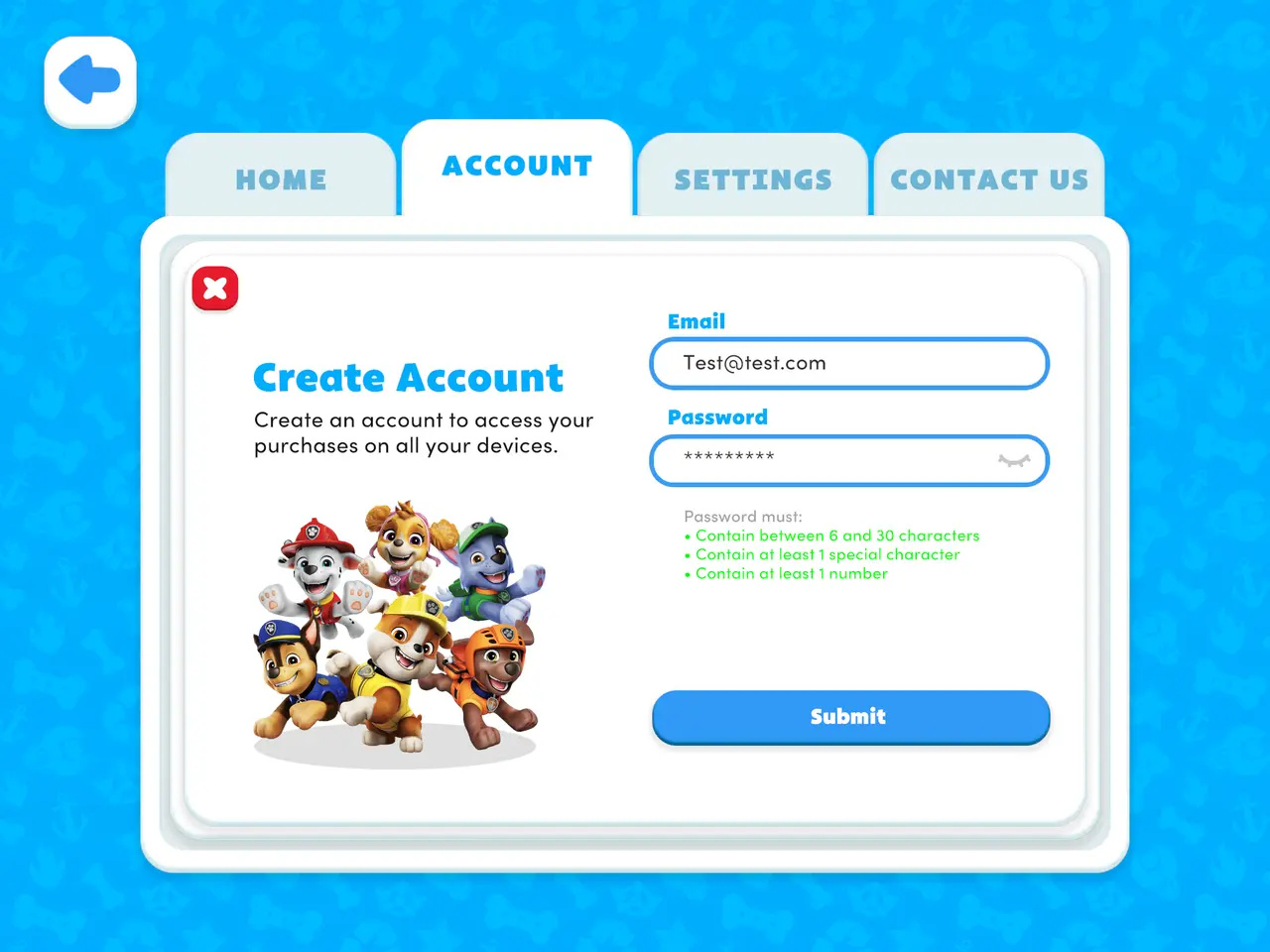
7.Check the email account you provided and click the link to verify your account.
Note: Single sign-on accounts are already verified and will be ready to play immediately.

8.Your Account tab will update with the information you provided.
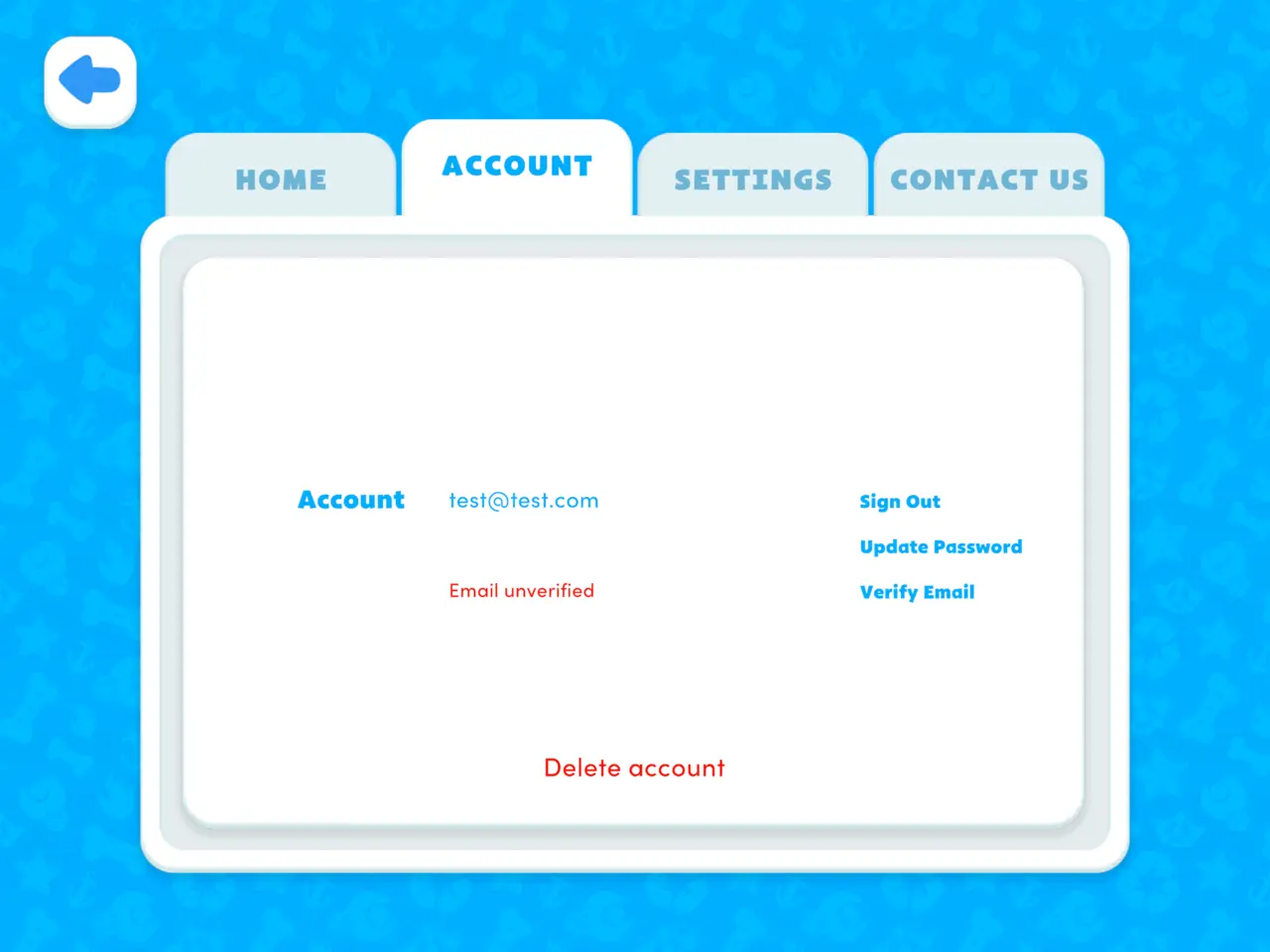
9.To access your purchases on another device, tap on the Account tab and sign in.
- If you used Single Sign On to create your PAW account, then use the SSO button to sign in.
- To access your purchases on another device using email, tap the "Already have a PAW account?" link.

If you have any issues or questions, feel free to reach out for help by emailing support@originatorkids.com.
Want to see more?
Visit the PAW Patrol: The Game homepage